How to Set Up AI-Powered Sentiment Analysis on All Review Platforms
You got 3 new Google reviews, 2 on Yelp, and 1 on TripAdvisor this week. You haven't read any of them because you've been putting out fires - a broken walk-in cooler, a no-show dishwasher, and a food delivery that went to the wrong address. By the time you respond to those reviews, the customers have already moved on and told 10 friends about their experience.
Monitoring reviews across four platforms is a full-time job that nobody has time for. You check Google when you remember. You haven't logged into Yelp in two weeks. TripAdvisor notifications go to an email you never open. Facebook reviews sit next to comments you can't tell apart from regular posts.
Meanwhile, your competitors down the street are responding to every review within 24 hours. They're thanking happy customers, addressing complaints before they escalate, and building a review profile that Google's algorithm rewards with higher local search rankings. They're not doing it manually - they have a system.
An estimated 94% of consumers say a negative review has convinced them to avoid a business (ReviewTrackers, 2024). The restaurants winning the review game aren't the ones with zero bad reviews - they're the ones that respond fast, fix problems publicly, and use review data to improve their operations. Here's how to build that system.
Which Review Platforms Should You Monitor First?
Not all review platforms are equal. Prioritize based on where your customers actually leave reviews and how easy each platform's API is to work with.
Tier 1 - Google Business Profile (start here). Google reviews are the most visible because they show up in Google Maps, Google Search, and the local 3-pack. Google's Business Profile API gives you real-time access to reviews, ratings, and the ability to post responses. Setup is straightforward: you need a verified Google Business Profile and API credentials from the Google Cloud Console. This is the easiest integration and the highest-impact platform.
Tier 2 - Yelp. Yelp reviews carry weight, especially in metro areas and for younger demographics. The Yelp Fusion API provides review access, but you need to apply for developer access and get approved. Approval typically takes 1-2 weeks. Yelp's API rate limits are tighter than Google's, so you'll need to handle pagination and caching carefully.
Tier 3 - TripAdvisor. Important for tourist-heavy locations and full-service restaurants. TripAdvisor's Content API provides review access, but the approval process is longer (2-4 weeks) and they require a business listing claim first. If your restaurant is in a tourist area, this is worth the setup time. If you're a neighborhood spot, it can wait.
Tier 4 - Facebook. Facebook reviews (now "Recommendations") are harder to extract programmatically. The Graph API can pull them, but Facebook's review access has gotten more restrictive over time. If your restaurant has significant Facebook engagement, include it. Otherwise, focus on the first three.
Start with Google alone. Get that working, then add Yelp, then TripAdvisor. Trying to connect all four at once is how projects stall. A single-platform sentiment system that actually runs beats a four-platform system that's perpetually "almost done."
How Do You Aggregate Reviews Into a Single Feed?
Once you have API access to your priority platforms, you need to pull reviews into one place with a normalized format. Here's the data structure:
- Platform (Google, Yelp, TripAdvisor, Facebook)
- Author name and profile link
- Rating (normalized to 1-5 scale - Yelp uses 1-5 stars, Google uses 1-5, TripAdvisor uses 1-5 bubbles)
- Review text
- Date posted
- Owner response (if any)
- Review URL (direct link for responding)
starRating (ONE through FIVE), comment, and updateTime. Yelp returns rating (1-5), text, and time_created as an ISO timestamp. Your system needs to map these into a consistent schema so you can compare reviews across platforms.
How Do You Run Sentiment Analysis on Restaurant Reviews?
Sentiment analysis takes a review's text and classifies it as positive, neutral, or negative. For restaurant reviews, you also want to extract the specific topic - food, service, speed, cleanliness, ambiance, or value.
Step 1: Basic sentiment scoring. Use a pre-trained sentiment model. For restaurant reviews, a simple approach works well: count positive words ("delicious," "friendly," "clean," "fast") and negative words ("cold," "rude," "slow," "dirty") and calculate a ratio. More sophisticated options include using a language model API to score sentiment on a 1-10 scale.
Step 2: Topic extraction. This is where it gets useful. A review that says "The food was amazing but we waited 45 minutes for our entrees" has mixed sentiment - positive on food, negative on speed. Your system should tag each review with topics:
- Food quality - taste, presentation, temperature, portion size
- Service - friendliness, attentiveness, knowledge, speed
- Speed - wait times, kitchen pace, seating delays
- Cleanliness - restrooms, dining area, kitchen visibility
- Ambiance - noise, decor, lighting, music
- Value - pricing, portion-to-price ratio, specials
Step 4: Trend detection. Compare this week's sentiment distribution to last week, last month, and the same month last year. If food sentiment dropped from 4.2 to 3.6 over three weeks, something changed in your kitchen. If service sentiment tanked on Friday nights specifically, you have a staffing or training issue during that daypart.
The analysis pipeline should run automatically every time new reviews are pulled. Results go into a database with the review data so you can query trends over time.
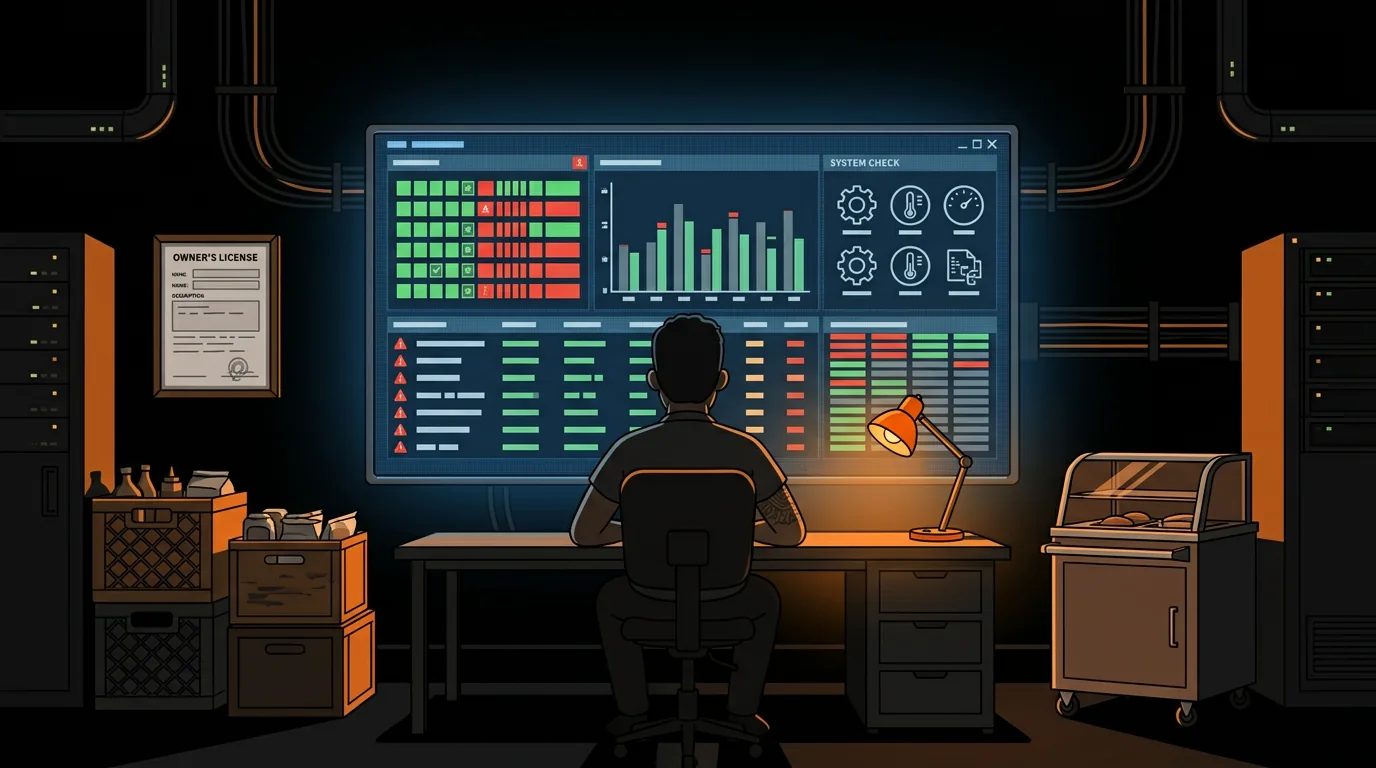
What Does a Trending Issues Dashboard Look Like?
Raw sentiment scores are useful, but a trending issues dashboard is what actually drives action. Here's what to display:
- Total reviews across all platforms: 12
- Average rating: 4.1 (up from 3.8 last week)
- Positive: 8 | Neutral: 2 | Negative: 2
- Top positive theme: food quality (6 mentions)
- Top negative theme: wait times (3 mentions)
- Wait time complaints: 7 (up from 2) - FLAG
- Food temperature complaints: 3 (down from 5) - improving
- Server friendliness mentions: 12 (up from 8) - positive trend
- Parking complaints: 2 (stable)
- Google: 4.3 avg (8 reviews this month)
- Yelp: 3.8 avg (4 reviews this month)
- TripAdvisor: 4.0 avg (2 reviews this month)
- 1-star Google review from "Sarah M." yesterday: "Waited 50 minutes for cold pasta. Server forgot our appetizer. Won't be back." - NO RESPONSE YET
- 2-star Yelp review from "James T." 3 days ago: "Good food but the restroom was disgusting. Fix that." - NO RESPONSE YET
How Do You Auto-Draft Review Responses?
This is where AI saves you the most time. Drafting thoughtful review responses takes 5-10 minutes per review when done manually. With auto-drafting, you approve or edit pre-written responses in 30 seconds.
Response templates by sentiment:
For positive reviews (4-5 stars): Thank the customer by name, reference something specific from their review ("We're glad you loved the short ribs - they're Chef's specialty"), and invite them back. Keep it warm but not generic.
For neutral reviews (3 stars): Acknowledge what went well, address the specific concern, and offer to make it right. "Thanks for your feedback, [Name]. We're glad the food hit the mark, and we're sorry about the wait time on your visit. We've been working on our kitchen pacing during peak hours. We'd love a chance to show you the improvement - mention this review next time you're in."
For negative reviews (1-2 stars): Lead with empathy, address the specific complaint directly, and offer a concrete resolution. Never argue, never make excuses, never blame the customer. "We're sorry about your experience, [Name]. Waiting 50 minutes for cold food is not acceptable, and we take full responsibility. Our kitchen manager would like to speak with you directly - please email us at [email] so we can make this right."
The human-in-the-loop step is non-negotiable. The AI drafts, you approve. Every response goes through you before it's posted. The AI doesn't know that "Sarah M." is actually a food blogger with 12,000 followers, or that the "cold pasta" complaint might be related to a new server who's still training. You add the context that makes the response genuine.
How Do You Connect This to Your Operations?
The real power of sentiment analysis isn't responding to reviews - it's using review data to fix operational problems.
What Happens After You Set This Up?
The first week, you'll respond to reviews you've been ignoring for months. Customers will notice. Some will update their ratings. You'll feel the difference immediately.
After 30 days, you'll have a clear picture of what customers love and what they hate. Not guesses - data. You'll know which dayparts have service issues, which menu items get the most feedback, and which platforms drive the most reviews.
After 90 days, your review response rate will be 95%+ and your average response time will drop from days to hours. Google's algorithm rewards active review management with better local search placement. You'll start showing up higher in "restaurants near me" searches because Google sees you engaging with customer feedback.
The competitive advantage compounds. Every positive interaction in a review response is a public demonstration that you care. Every well-handled complaint is a signal to future customers that problems get fixed. Restaurants with high response rates and thoughtful responses consistently outperform competitors with similar ratings but no engagement.
One restaurant owner told us: "I used to dread checking my reviews. Now I look forward to it. The system flags what needs my attention, drafts a response, and I spend maybe 10 minutes a day on reviews instead of an hour. And my Google rating went from 4.1 to 4.4 in three months."
FAQ
How much does it cost to set up sentiment analysis for restaurant reviews?
The API costs are minimal: Google Business Profile API is free, Yelp Fusion API is free for basic use, and TripAdvisor's Content API is free for claimed business listings. The main cost is development time: 6-10 hours for a single-platform setup (Google), 15-25 hours for multi-platform. A freelance developer can build this for $500-2,000 depending on complexity. Ongoing costs are $5-20/month for hosting and SMS/email notifications.
Can I respond to reviews directly through the AI system?
The system can draft responses and, for some platforms, post them through the API. Google's Business Profile API allows posting review responses programmatically. Yelp and TripAdvisor require manual posting through their business portals. The recommended approach is: auto-draft the response, manager approves in a simple dashboard, and the system posts it (or the manager copies and pastes it for platforms that don't support API posting).
How accurate is AI sentiment analysis for restaurant reviews?
For overall sentiment (positive/neutral/negative), accuracy is typically 85-90% with pre-trained models. For topic extraction (food vs. service vs. speed), accuracy drops to 70-80% because restaurant reviews often mix multiple topics in one sentence. The system should flag low-confidence classifications for human review rather than guessing. Over time, you can train the model on your specific review patterns to improve accuracy.
What if I get fake or spam reviews?
The system can flag suspicious reviews based on patterns: reviews from accounts with no other activity, multiple reviews posted in a short time window, reviews that don't reference specific menu items or experiences, or reviews that match known spam templates. Flag these for manual review and report them to the platform through the appropriate dispute process. Google and Yelp both have mechanisms for reporting policy-violating reviews.
Grab our free guide on using AI for restaurant operations - it covers review management, scheduling, inventory, and more: clawprime.ai
Next step
Keep learning how reliable agent systems are built.
Explore more practical education on autonomous agents, operational tools, and the safeguards that make them useful.
Keep reading
Related posts
More practical guidance on autonomous agents, operational tools, and reliable AI workflows.
Your AI Agent Has a Front Door. It's Unlocked.
# Your AI Agent Has a Front Door. It's Unlocked. Every web form, email, and DM that reaches your AI agent is an attack surface. Most people running AI agents have no idea prompt injection exists, let
How Do You Monitor AI Agents? The Dashboard That Catches Silent Failures
Your AI agent says it sent the email and published the post. Nothing errored and the log says ok. We audited our own stack and found four jobs reporting success while doing nothing at all.

AI Agent Frameworks Compared: Which One Actually Fits Your Business?
Three "best AI agent tools" roundups published last week alone. Hostinger listed 15. AIMultiple ranked 5. StartupHub covered 20. If you're a business owner trying to pick one, you're more confused now